


 Flare
 PHP
 JavaScript
 Protocol
- Error tracking
- Performance monitoring
Discord notifications
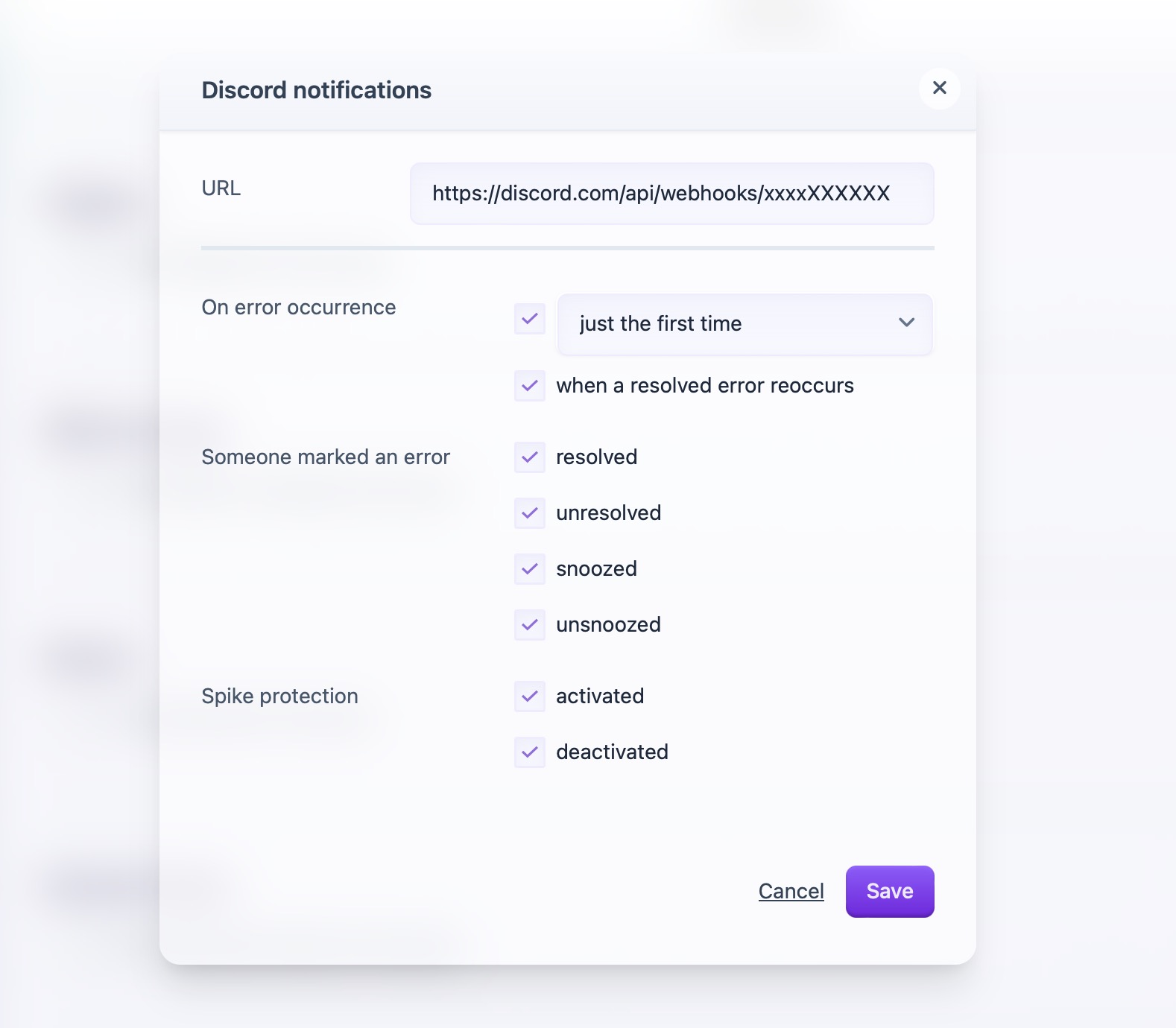
You can configure Discord notifications on the account, team and project level.
To use Discord, you will need a valid Discord webhook URL.
After having set up Discord notifications, you can send a test notification by clicking "Send test".
An error notification in Discord shows:
- the project name and stage
- the error message
- the file and line where the error happened
- a code snippet around that line
- the exception class, occurrence count and number of affected users
- a "View on Flare" button that opens the error in Flare
If Discord returns a "not found" error, for example because you deleted the webhook, Flare turns off the Discord notifications. Flare also sends you an email about this. For team and project notifications, this email goes to the team owner. To receive Discord notifications again, enter a valid webhook URL and select the notifications you want.
Looking for Microsoft Teams? See Microsoft Teams notifications.